





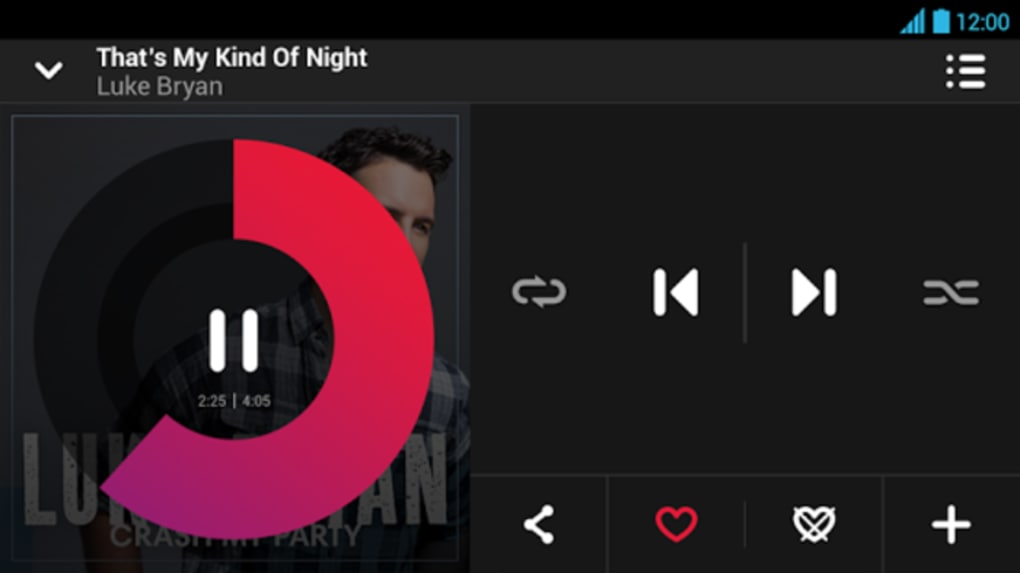
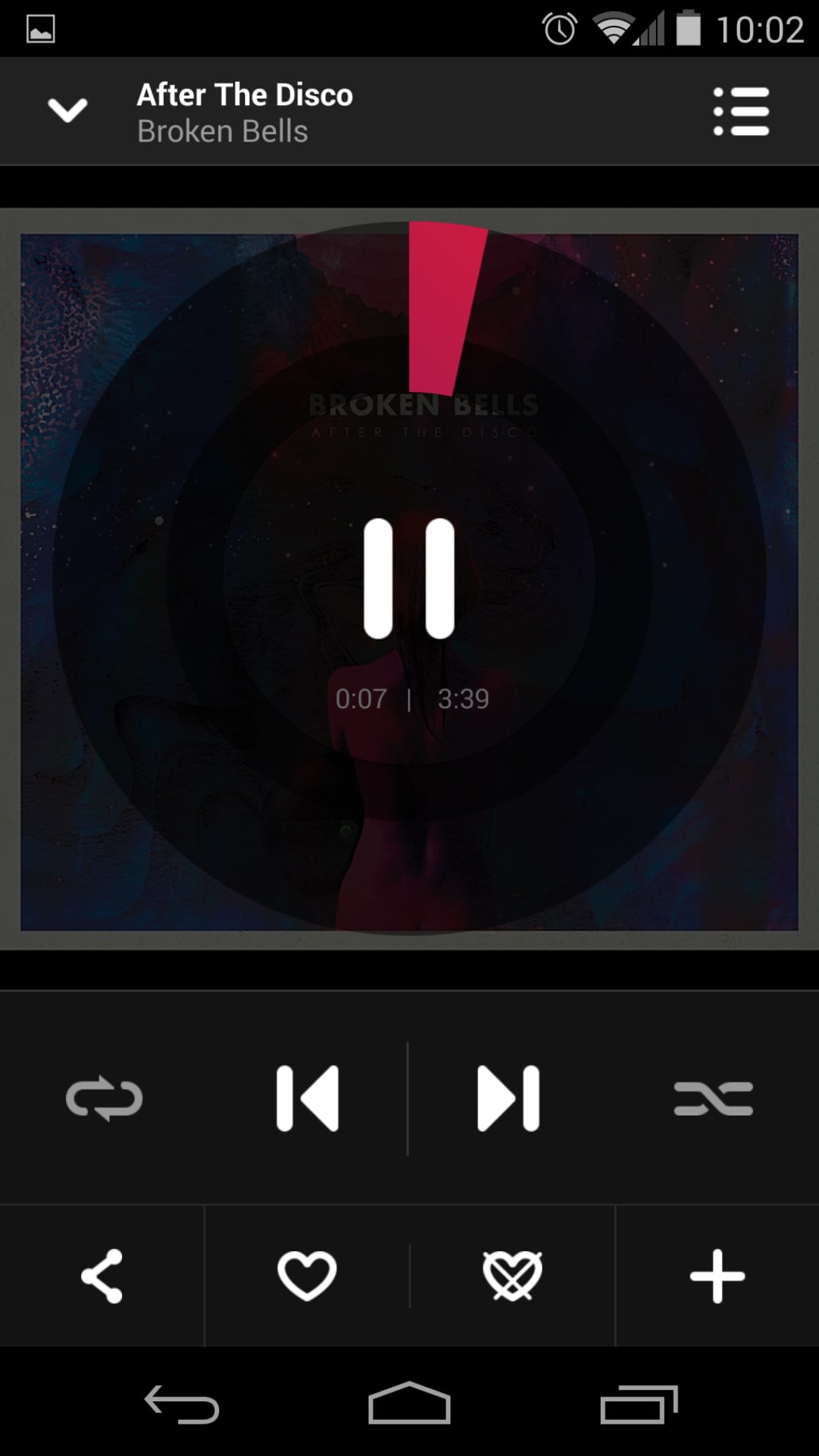
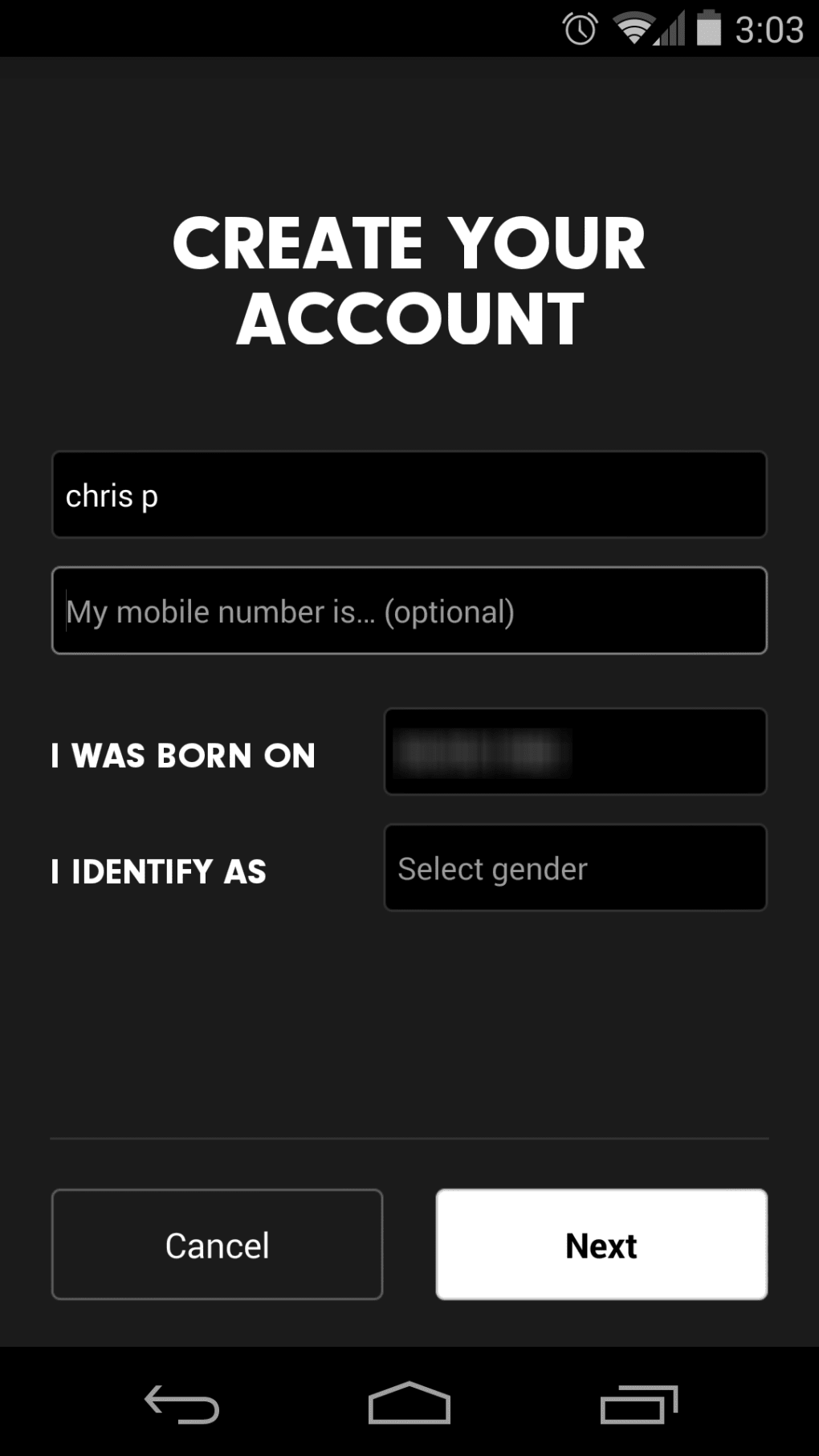


Description
Download Beats Music – Streaming Music, Curated Playlists, High-Quality Audio
Overview
Beats Music is a desktop streaming music application designed to deliver a personalized listening experience through algorithm-driven playlists and expert curation. The service focuses on content discovery rather than direct artist or album search, aiming to guide users toward new music based on mood, genre, and social context. It targets music enthusiasts and casual listeners who value curated recommendations over traditional search functionality. The platform operates on a premium-only model, meaning no free tier is available, which sets it apart from competitors like Spotify and Pandora. Its core promise lies in delivering “highly” curated playlists from an internal team as well as partnerships with established brands such as Pitchfork and Alternative Press. The software is intended for users who prefer a guided listening journey rather than a self-directed music library. While the app supports a library of 20 million songs, availability may vary depending on licensing agreements, potentially limiting access to niche or obscure tracks. Real-world usage includes daily commuting, work sessions, and social gatherings where mood-based music selection is preferred. The developer did not provide additional details about the company’s background or technical development approach.
Key Features & Capabilities
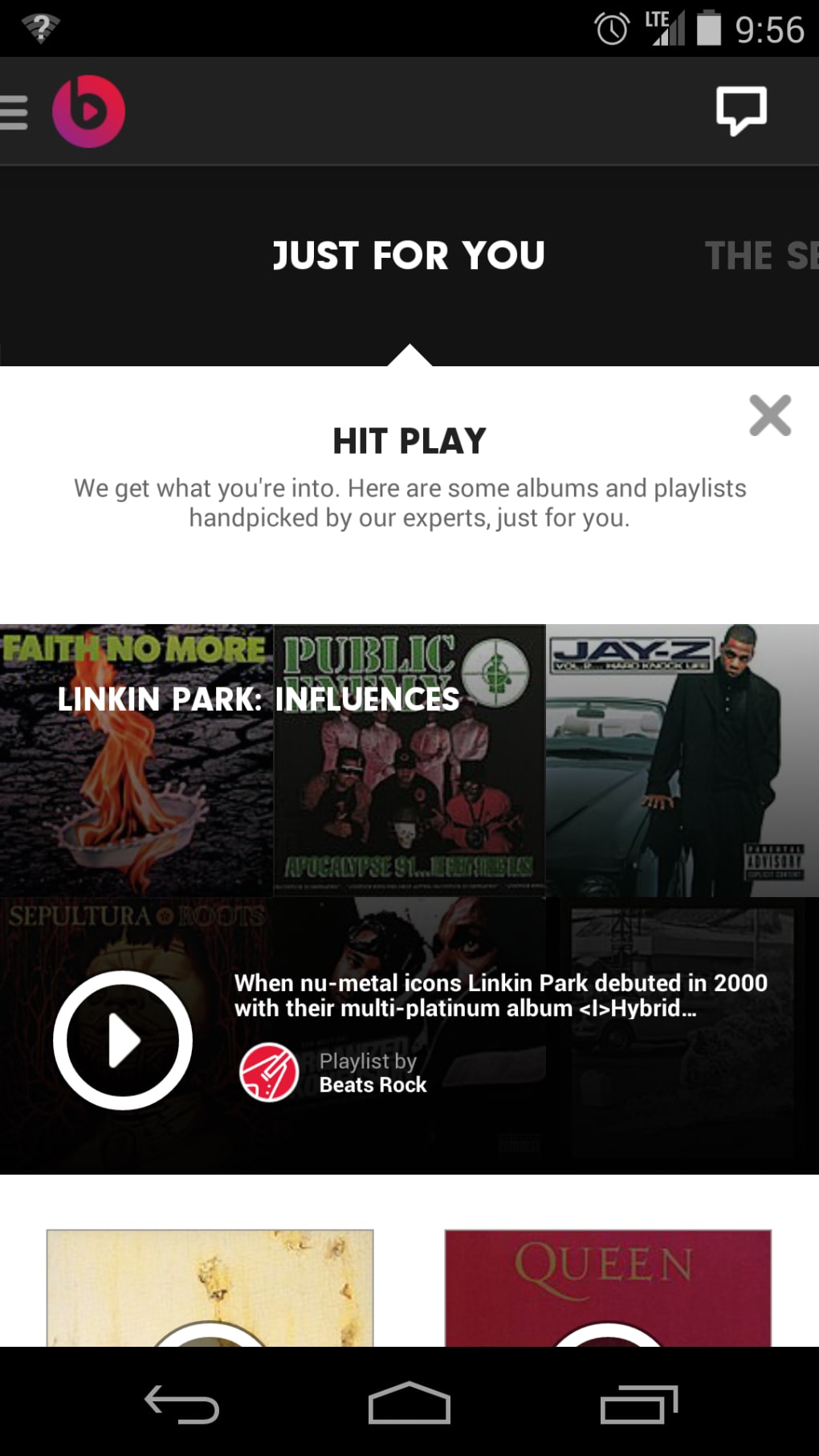
- Curated Playlists: Expertly crafted playlists by internal teams and third-party partners like Pitchfork, offering genre-specific and mood-based selections.
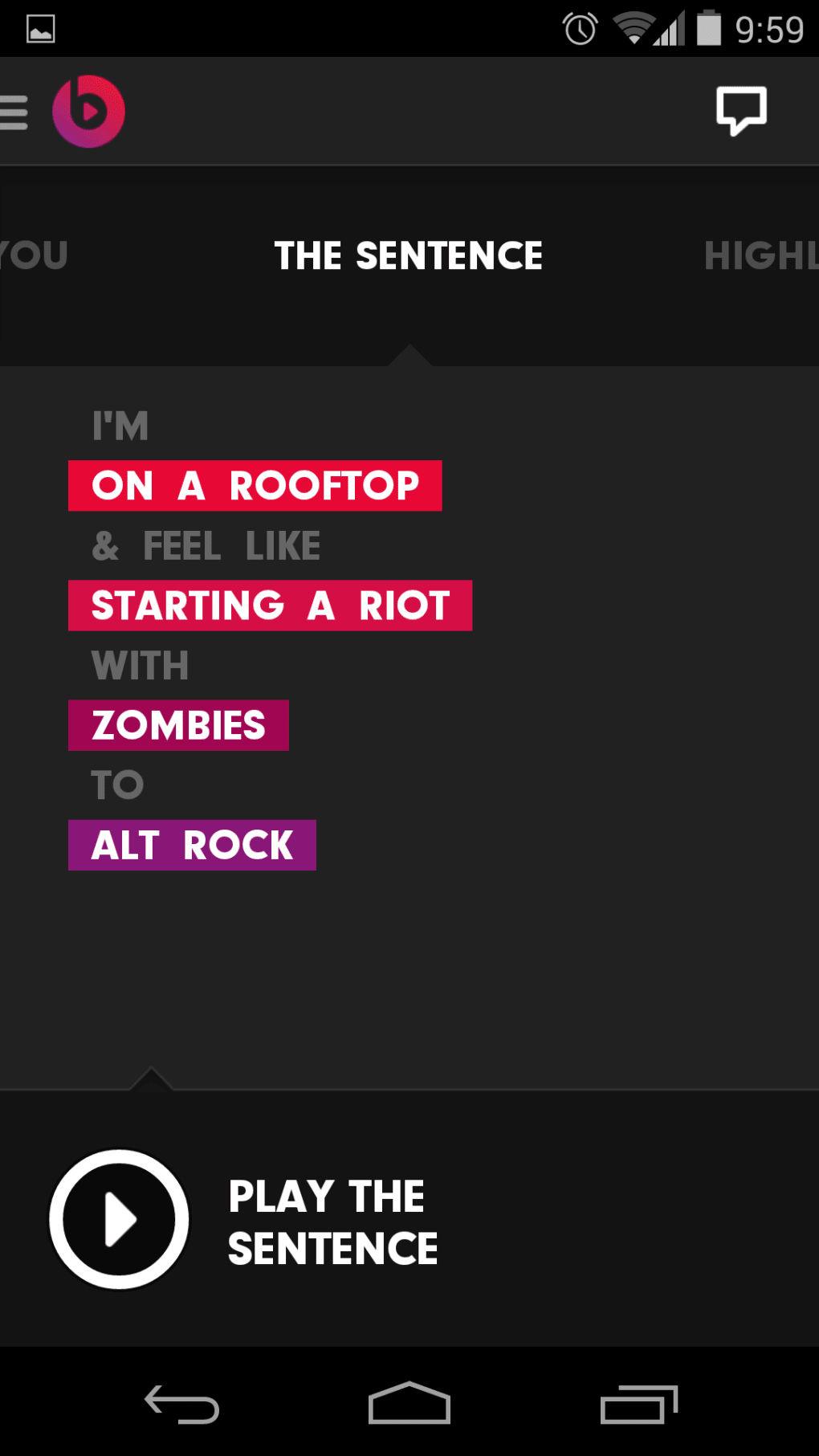
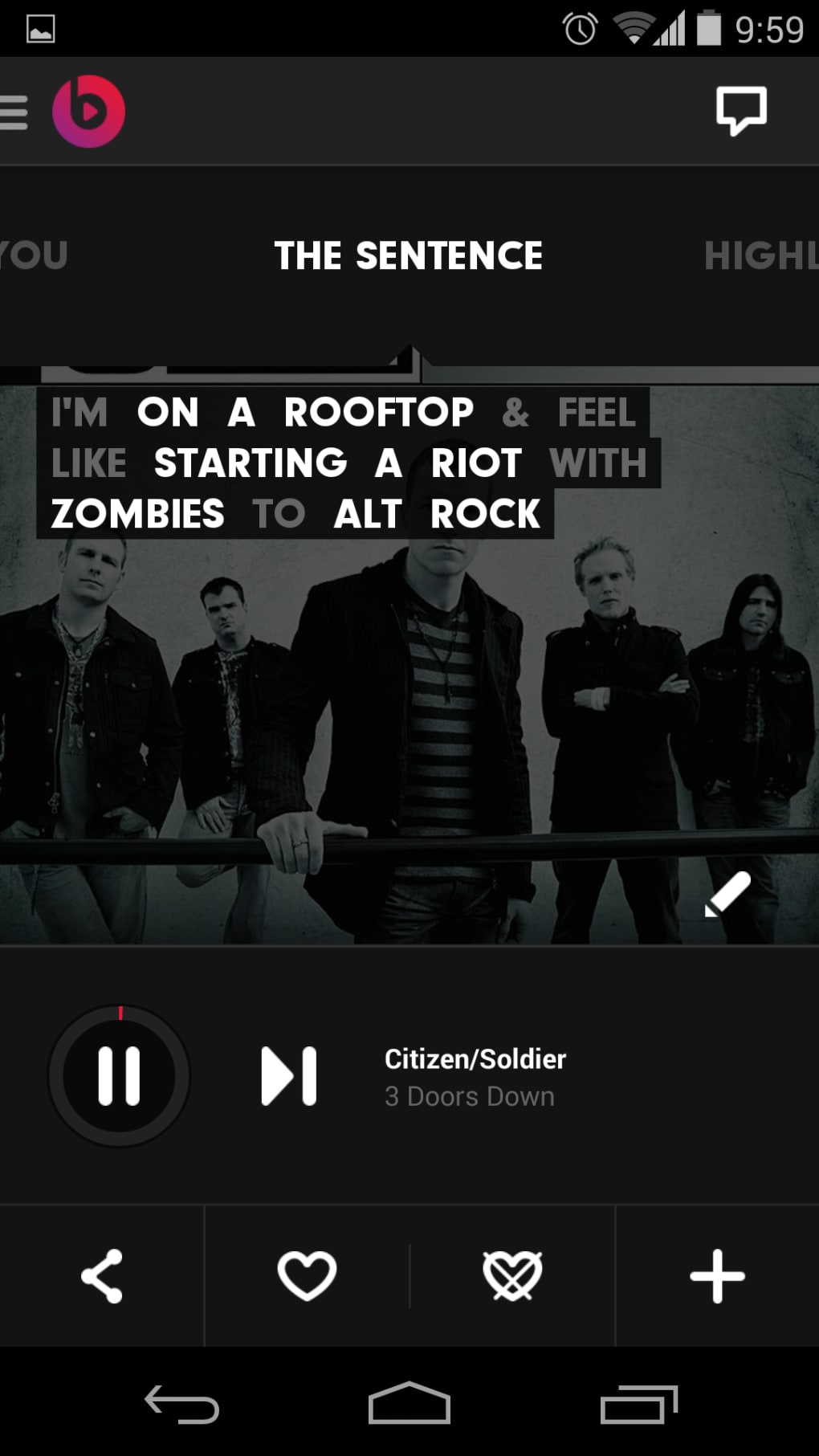
- Mood-Based Discovery: The “The Sentence” feature allows users to define listening context—such as location, mood, or company—to generate relevant playlists.
- Personal Preferences: Users can select favorite genres and artists to influence recommendations, though the system may still display unwanted content.
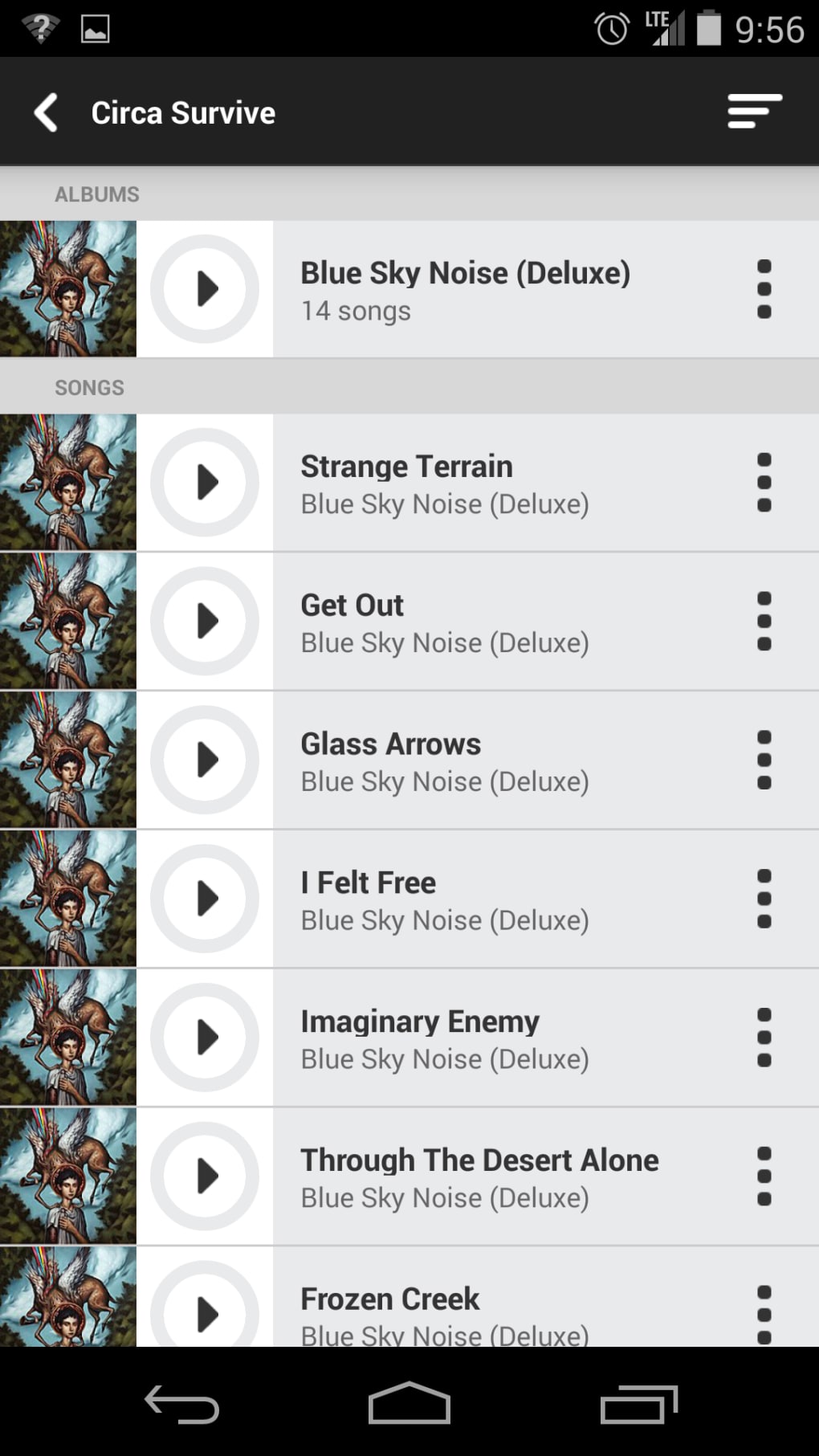
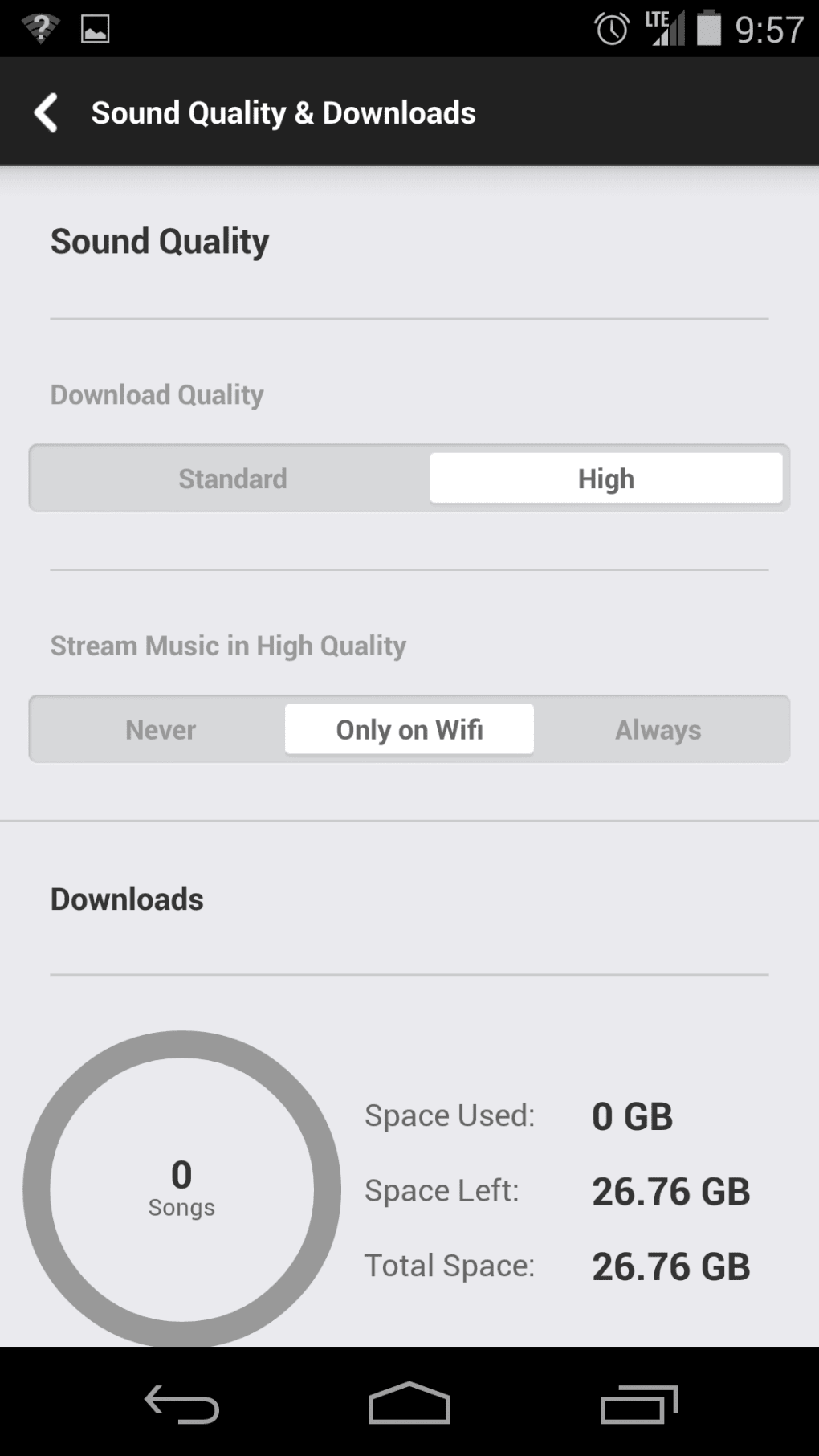
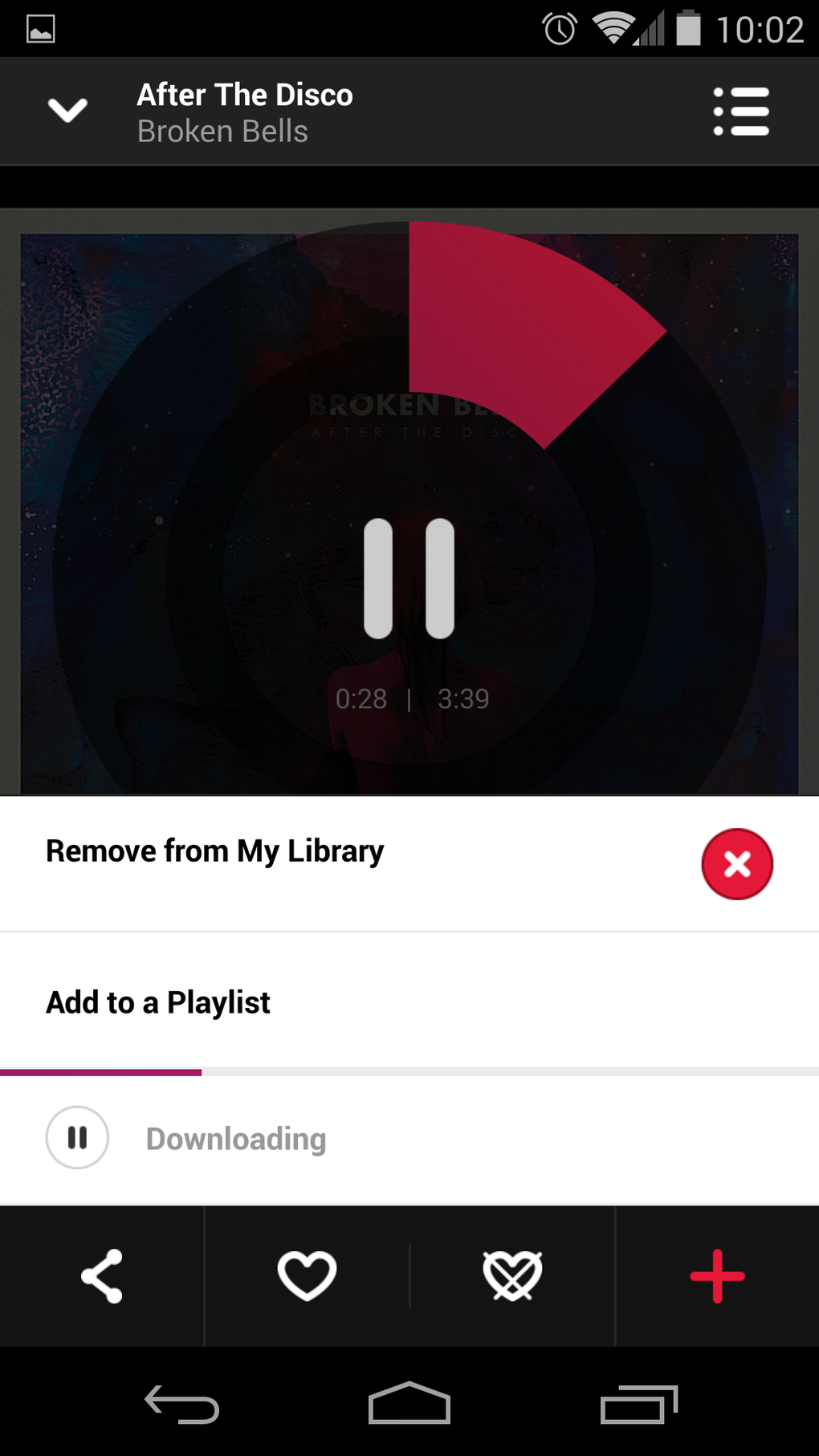
- Playlist Creation: Users can create custom playlists from songs found in other playlists or through search, supporting offline playback with adjustable quality settings.
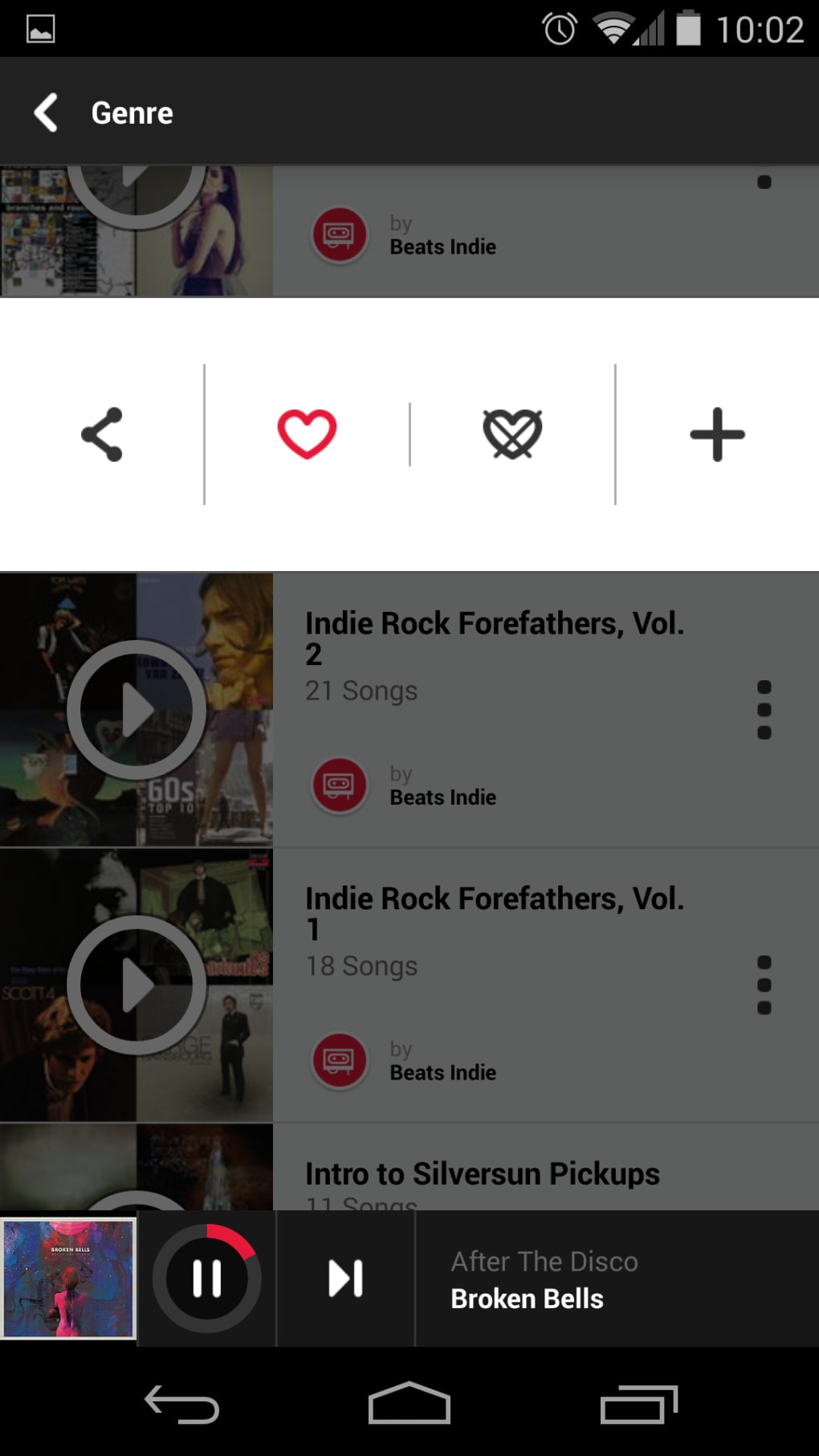
- Subscribed Playlists: Access to exclusive playlists from artists, brands, or curators, adding variety beyond algorithmic suggestions.
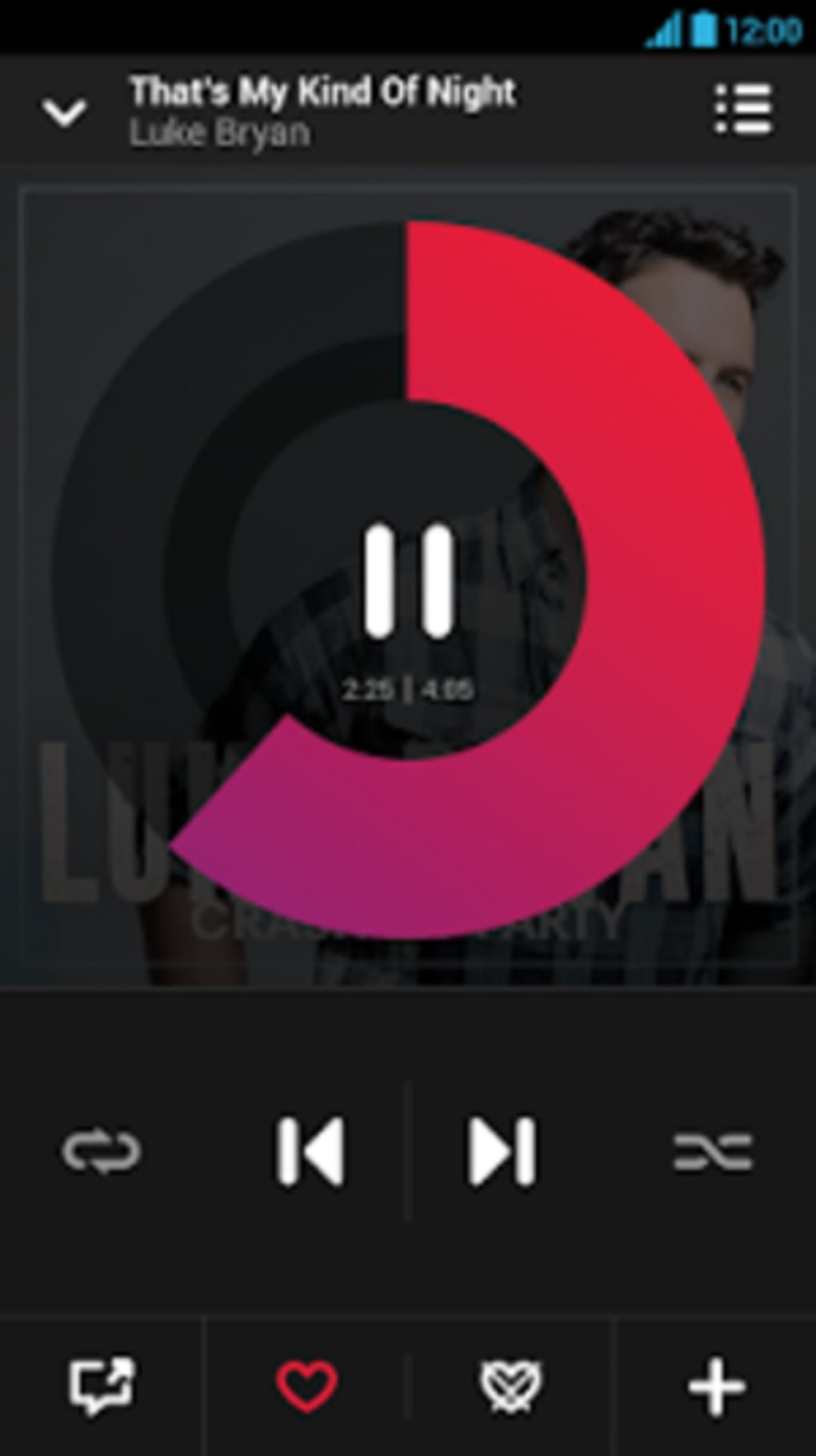
- Sound Quality Settings: Adjustable audio quality and download options to optimize performance based on bandwidth and device storage.
These features are designed to reduce decision fatigue by offering pre-selected music based on context. For example, selecting “chill at home” might trigger a playlist of ambient electronic tracks. However, the lack of direct search functionality on the main screen forces users to navigate through a sidebar, which can disrupt workflow. The system’s ability to adapt to user preferences remains unclear, especially since deselected artists still appear in “Just For You” recommendations. This suggests that personalization may be limited or inconsistent.
User Interface, Workflow & Performance
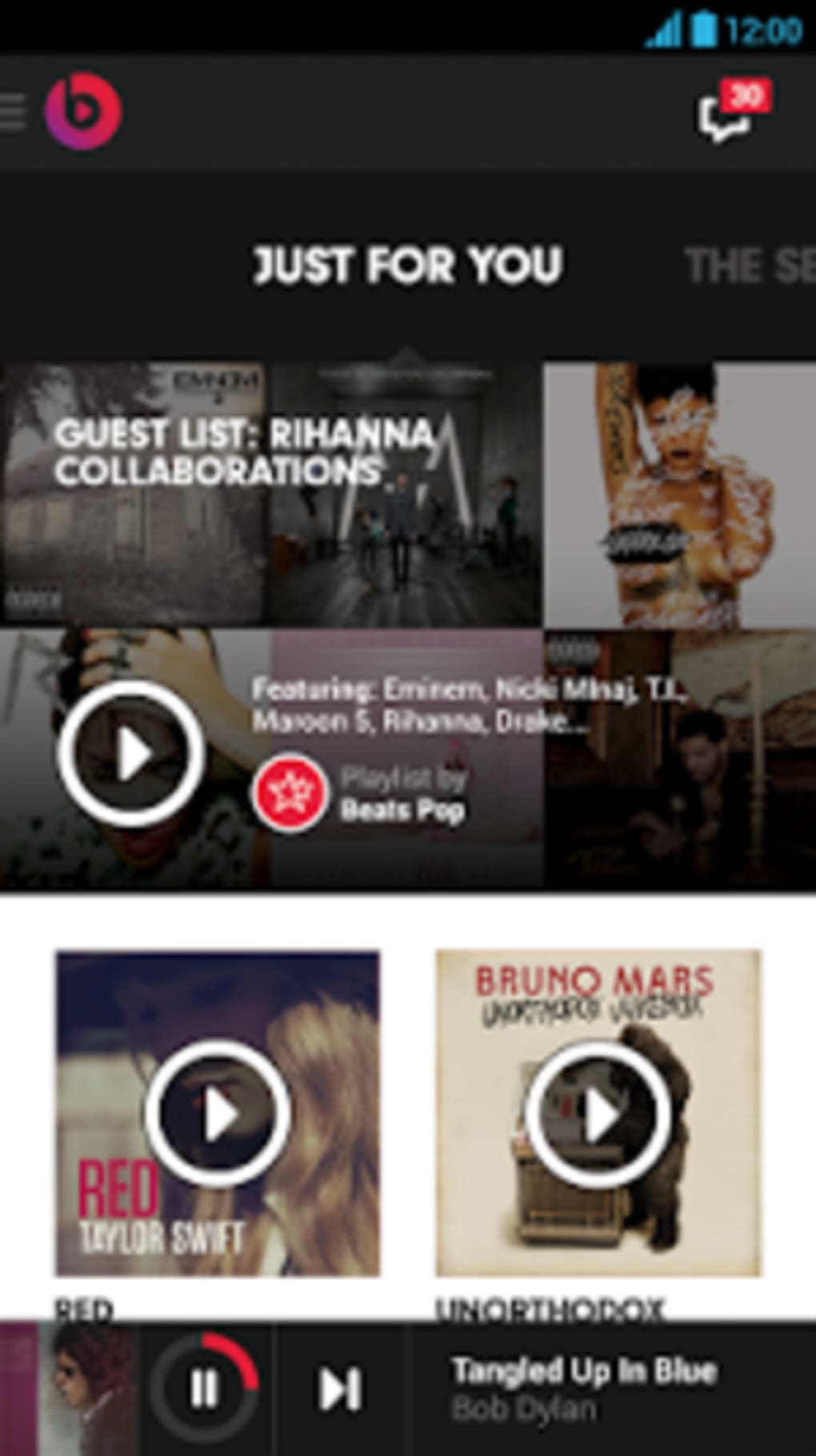
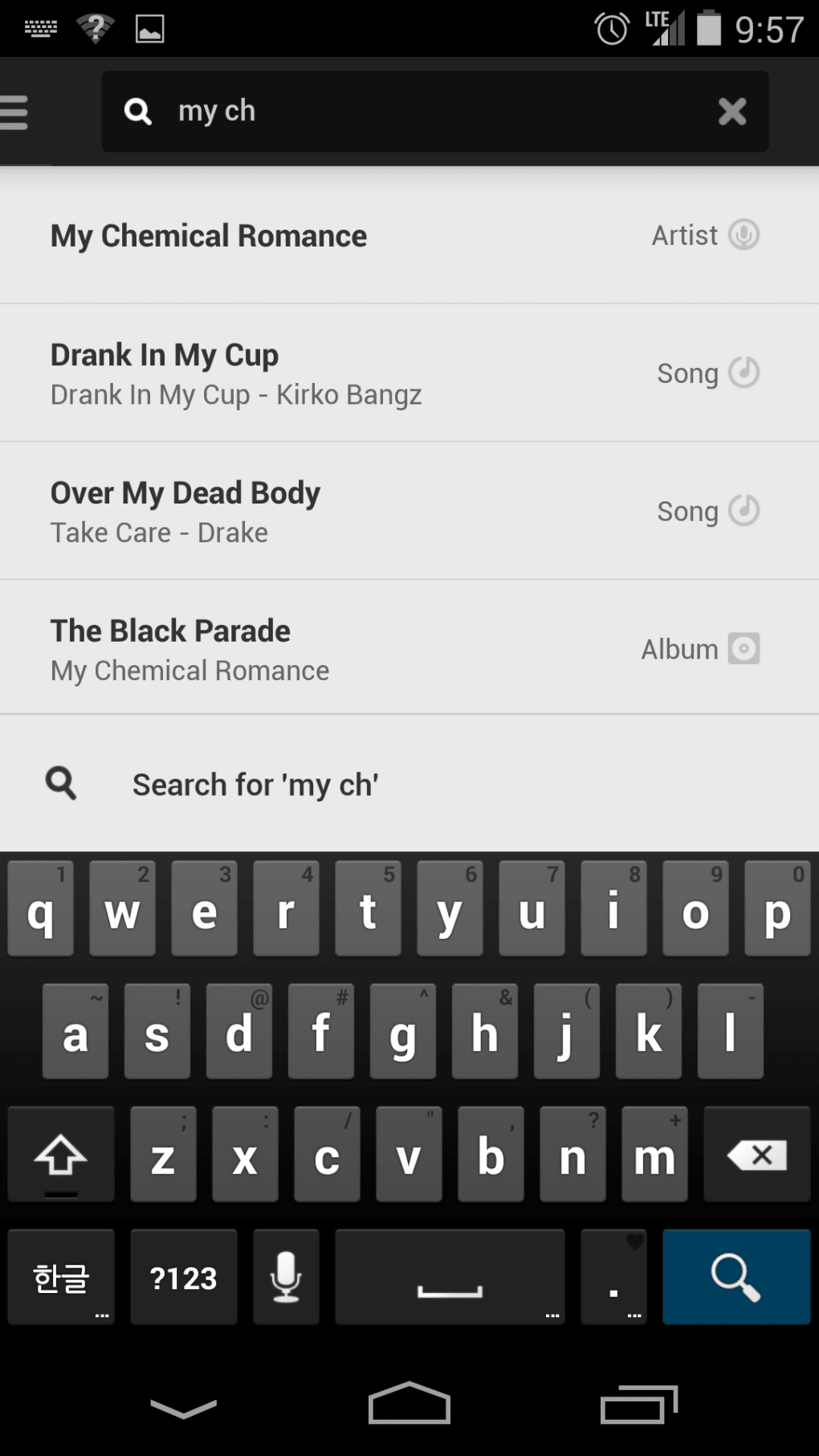
The user interface of Beats Music emphasizes visual design over functionality, featuring a highly stylized homescreen that prioritizes promoted content and thematic playlists. Navigation relies on a sidebar for core functions such as search, which is not immediately accessible from the main view. This layout may hinder efficiency for users accustomed to quick access to artist or song searches. The workflow begins with selecting genres and artists, followed by using “The Sentence” to define listening context. While the concept is innovative, the execution is hampered by usability issues. The app has been reported to freeze during playback, even when audio continues, and crashes unexpectedly on multiple occasions. Performance observations are based on general software behavior patterns. The developer did not specify resource usage details, so CPU and RAM behavior cannot be confirmed. Stability appears to be a concern, particularly during extended use. Users may experience interruptions that affect the overall listening experience. The visual flair, while appealing, contributes to navigation challenges and can make the interface feel cluttered. These issues suggest that the app’s design prioritizes aesthetics over practicality, potentially reducing user satisfaction over time.
Compatibility & System Requirements
Beats Music is available for Windows and Mac operating systems, though specific version numbers are not provided. The application size is listed as 100 MB, which is typical for a desktop music streaming client. Installation requires a stable internet connection and a compatible device with sufficient storage for offline playback. The developer did not specify exact system requirements, including minimum CPU, RAM, or graphics capabilities. Compatibility information was partially provided, with no mention of legacy or low-end systems. Users are advised to ensure their system meets general standards for modern desktop applications. The software supports both online and offline usage, with settings available for download quality and storage management. No information was provided about compatibility with touchscreens or accessibility features.
Pros and Cons
Pros
- Highly curated playlists from internal teams and trusted brands like Pitchfork.
- Unique “The Sentence” feature for context-based music discovery.
- Supports offline playback with customizable download quality.
- Large music library with 20 million songs, including popular and some unexpected tracks.
- Intuitive sound quality and storage settings for personalization.
Cons
- No free tier; premium-only access limits trial opportunities.
- Search function is hidden in the sidebar, reducing usability.
- Frequent crashes and playback freezes reported by users.
- Personal preferences may not consistently influence recommendations.
- Visual design can hinder navigation and workflow efficiency.
FAQ Section
Is Beats Music available on Windows and Mac?
Yes, Beats Music is compatible with both Windows and Mac operating systems, though specific version details were not provided.
Is there a free version of Beats Music?
No, Beats Music operates on a premium-only model with no free tier available. Users must subscribe to access the full service.
Can I use Beats Music offline?
Yes, the software supports offline playback. Users can download playlists for listening without an internet connection.
How often are the playlists updated?
Playlists are updated regularly by the internal curation team and partner brands, though the exact update frequency was not specified.
Is Beats Music secure to use?
As a streaming service, Beats Music uses standard security protocols for user data and account protection. No specific security vulnerabilities were reported in the provided information.
Final Thoughts + CTA
Beats Music presents an ambitious vision of music discovery through curated content and contextual playlists. While the concept is compelling and the interface visually engaging, persistent bugs, poor navigation, and a lack of a free trial significantly hinder its appeal. The absence of a search function on the main screen and the tendency to crash during playback undermine usability. Although the service offers a large library and partnerships with respected music publications, these advantages are not enough to justify the monthly fee in a crowded market. For users who prioritize a guided listening experience and are willing to overlook technical flaws, Beats Music may offer some value. However, for most, the experience falls short of expectations. The service lacks a clear differentiator and fails to stand out from established competitors. If improvements are made to stability and user interface, Beats Music could evolve into a stronger contender. Until then, it remains a pick-and-forget option with limited incentive to switch. Download Beats Music now and experience the curated listening journey—just be prepared for occasional disruptions.
Guides & Tutorials for Beats Music
How to install Beats Music
- Click the Preview / Download button above.
- Once redirected, accept the terms and click Install.
- Wait for the Beats Music download to finish on your device.
How to use Beats Music
This software is primarily used for its core features described above. Open the app after installation to explore its capabilities.
User Reviews for Beats Music 0
No reviews found





